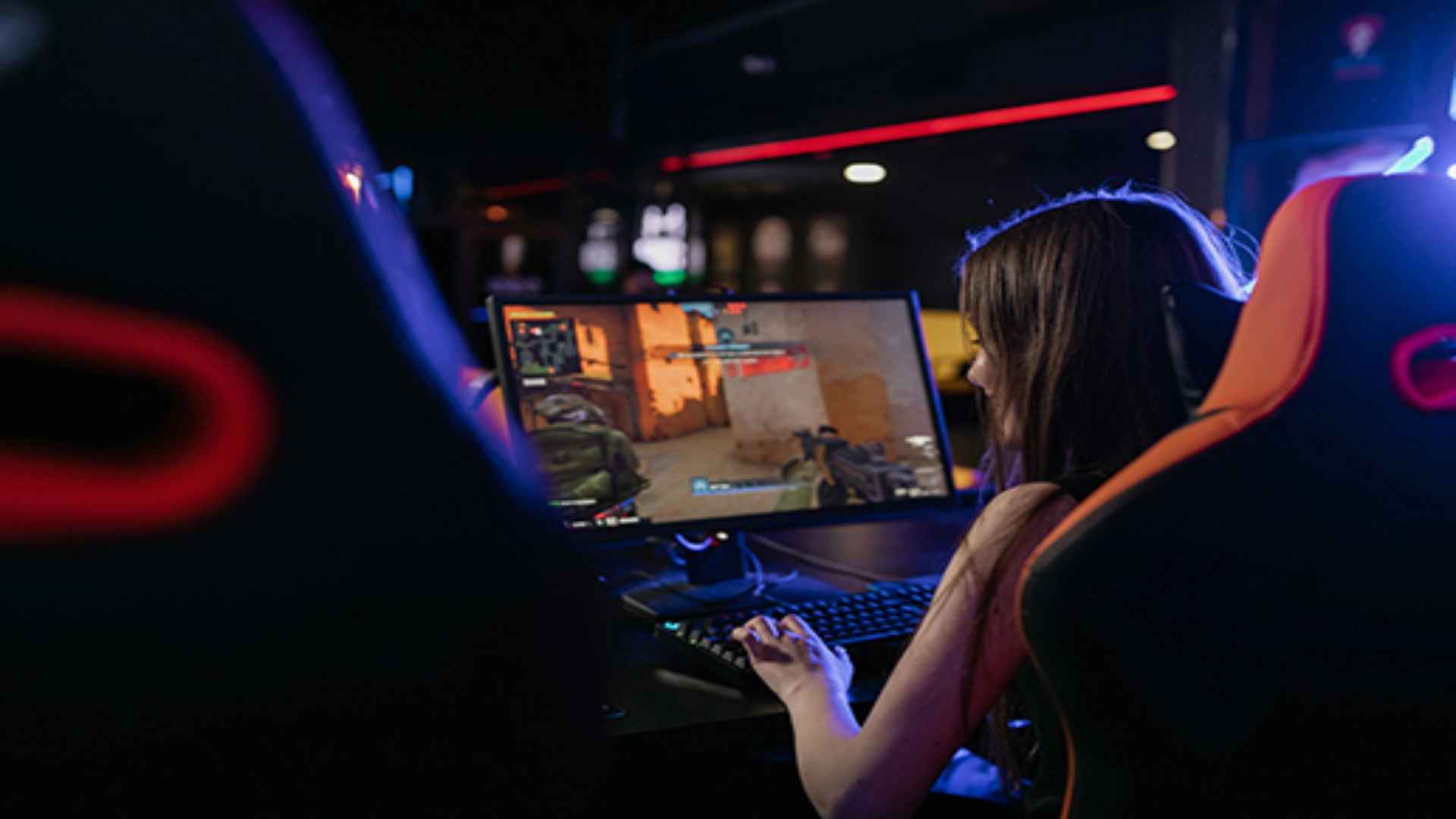
Squad has earned a massive reputation as one of the most demanding tactical shooters on the PC platform, prioritizing communication and realistic combat mechanics. While the game was explicitly designed with a keyboard and mouse setup in mind, many players wonder if they can enjoy the experience using a gamepad. Navigating the complex control scheme presents unique challenges, but it is entirely possible to join the battlefield with your preferred hardware configuration.
Official Controller Support in Squad
Currently, the developers do not provide native plug-and-play support for modern gamepads within the game client. The massive number of critical keybinds makes it exceptionally difficult to map every movement, communication channel, and tactical command to a standard layout. However, the software can recognize basic analog inputs for fundamental actions like walking and looking around.
Because the environment requires precise communication, relying solely on basic mappings will put you at a significant disadvantage during intense firefights. Players who prefer this input method must look toward external translation tools to achieve full functionality. Understanding these technical limitations is the first step toward building a reliable and competitive setup.
Setting Up Your Controller via Steam Input
The most effective method to achieve a functional layout is by utilizing the built-in Steam Input configuration tool. By enabling this feature in your desktop settings, you can completely override the default layout and map keyboard keys directly to your gamepad buttons. This configuration platform allows you to create custom action layers for navigating complex radial menus and driving vehicles efficiently.
To start the process, connect your device to your computer and navigate to the controller configuration tab under the game properties in your library. You can choose to build a custom layout from scratch or download community-created templates shared by other tactical shooter enthusiasts. Saving your configuration properly ensures that your personalized settings load automatically every time you launch the battlefield client.
Overcoming the Tactical Disadvantages
Playing a highly competitive tactical simulation with a gamepad means going up against opponents who possess the superior precision of a traditional mouse. The lack of standard aim assist mechanics in this title means that tracking distant targets will require immense practice and fine-tuning. Adjusting your stick deadzones and sensitivity curves within the desktop overlay configuration is highly recommended to smooth out your aiming response.
Furthermore, managing the extensive communication system remains a major hurdle since squad leaders must constantly switch between different voice channels. Utilizing a community layout that maps radial selection wheels to the directional pad can help mitigate this layout issue during chaotic matches. Embracing a defensive playstyle and focusing on positioning will ultimately help you bridge the competitive gap against traditional inputs.